
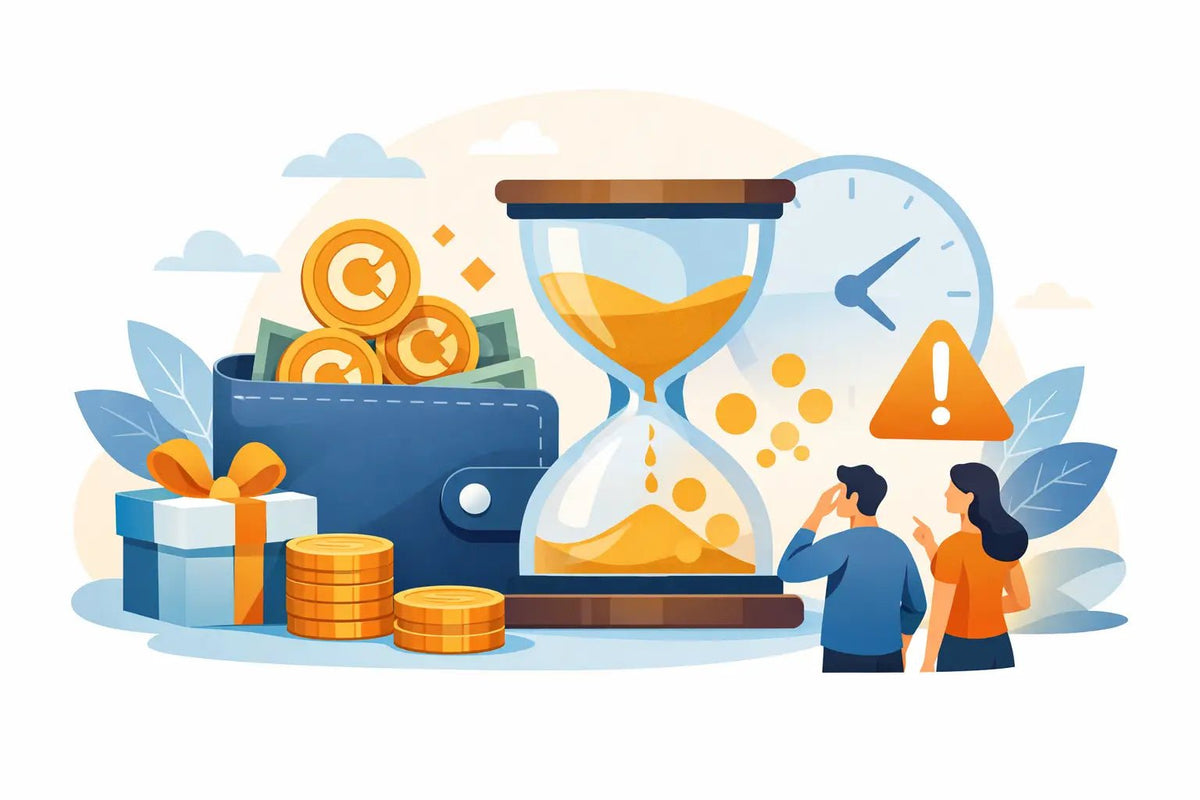
You finish a purchase, see cashback land in your account, and think, “Nice, I’ll use that later.” Then later turns into a new update, a rare item drop, or a weekend sale - and the reward is gone. Cashback reward expiration is easy to miss, especially when you are focused on getting the item you want delivered fast.
Cashback should feel like extra value, not a surprise countdown. The simple move is to treat every reward like it has a timer until you confirm otherwise. Check the date, know the rules, and have a plan for using it before it disappears.
What cashback reward expiration means
Cashback is store credit or a reward amount you earn after qualifying activity, such as a purchase, promotion, daily reward, or loyalty feature. It can lower the cost of a future order, helping you spend less on the pets, weapons, currencies, skins, or collectibles you actually want.
Expiration means that credit may only be available for a limited period. Once the deadline passes, unused cashback can no longer be applied to an order. The exact timing and conditions depend on the marketplace and the promotion. Some rewards may be valid for days, while others may last longer. A special event reward can have different rules from standard cashback.
That is why guessing is risky. Do not assume that cashback stays in your balance forever just because it is visible today.
Why players lose cashback without noticing
Most missed rewards are not caused by complicated math. They happen because gamers are busy. You might earn a small amount after grabbing a Blade Ball item, decide to save it for a bigger Adopt Me purchase, and forget it while you are grinding, trading, or waiting for the next release.
Small balances are also easy to ignore. But several small rewards can add up to real savings. If you regularly buy items across different games, unused cashback can be the difference between paying full price and getting a better deal on your next order.
Promotions make the timing more confusing. A limited sale, a daily spin, a member perk, and purchase cashback may all work differently. One reward could be ready to use now, while another may require a minimum order or end on a specific date. Read the reward details instead of treating every credit the same.
For parents, this is also a good reason to check the account before approving a new purchase. A player may already have credit available that reduces what needs to be paid by card or another payment method.
Where to check your cashback deadline
Start with your account area. Look for a rewards, wallet, cashback, balance, or transaction section. The most useful details are the cashback amount, the date it was earned, the expiration date, and any conditions attached to it.
If there is no clear date next to the balance, check the promotion message, checkout screen, reward notification, or support information. Some platforms show expiration only when a reward is opened or selected. Others may display it in your order history.
At BuyBlox, the smartest habit is to review your available rewards before starting checkout, not after you have already picked an item. That gives you time to see whether a reward applies and whether using it now makes more sense than saving it.
Take a screenshot if the deadline is close or the reward terms are unclear. This is not about being paranoid. It is a quick way to keep track of what you earned and have the right information ready if you need help from support.
Check whether the reward has rules attached
An expiration date is only one part of the deal. Cashback can also come with usage rules. For example, a reward might apply only to eligible items, require a minimum spend, work once per order, or not combine with another code. It may also be tied to the account that earned it and cannot be transferred to a friend.
Those limits are normal for promotional rewards, but they matter when you are planning a purchase. If your cashback expires tonight but only works above a certain cart total, do not wait until the last minute to find out.
Use cashback with a simple game plan
The best strategy is not always “spend it immediately.” It depends on the deadline, the amount, and what you genuinely plan to buy. If you have a reward expiring soon and there is an item you already want, using the credit is usually the safe play.
If the reward is new and you know a major purchase is coming well before the deadline, saving it can make sense. Maybe you are waiting for a specific Murder Mystery 2 collectible or a rare Grow A Garden item to return. The key word is know. Saving cashback for a vague future purchase is how balances get forgotten.
A practical rule: before you close a shopping session, look at your cashback balance and ask one question: “Will I realistically use this before it expires?” If the answer is no, use it on a planned purchase rather than letting it sit.
Avoid buying random items just to use every last cent. A discount is only a win if you wanted the item anyway. Spending $10 to save $1 is not a deal. But applying that $1 to something already on your list is free value.
A quick routine that prevents lost rewards
You do not need a spreadsheet to stay on top of rewards. Build one short routine around your purchases. When cashback arrives, check its deadline right away. If it expires within a week or two, set a phone reminder a few days before the date. Name it something obvious, like “Use game cashback.”
Then, before every checkout, check your balance first. This takes seconds and can prevent the frustrating moment when you place an order at full price and remember the credit afterward.
If you earn rewards from several activities, keep the reminder focused on the nearest deadline. You can update it when you earn a newer reward. Players who buy often may prefer a weekly check, especially during sales or when new items are dropping.
What to do if cashback has already expired
First, verify the date and reward terms. Sometimes a balance looks unavailable because it is not eligible for the current cart, not because it has expired. Try checking a different eligible item or reviewing the minimum order requirement.
If the reward clearly expired, reach out to support calmly and include the useful details: your account email or username, the reward amount, when it was earned, and any screenshot of the terms or deadline. Support may be able to explain what happened, although expired promotional credit is not always reversible.
Do not create extra accounts or try to work around account rules to replace a lost reward. That can cause bigger problems than the cashback was worth. The better move is to understand the policy, use future rewards earlier, and keep your account in good standing.
The best way to make cashback actually feel rewarding
Cashback works best when it is part of your buying plan, not a mystery balance you notice once in a while. Check the expiration date when you earn it, confirm the rules before checkout, and use it on items you already want. That small habit keeps more of your budget available for the next rare find instead of leaving your savings stuck in the past.
Game Collectible Value Guide for Smart Buys
How to Resolve Duplicate Orders Without Stress