
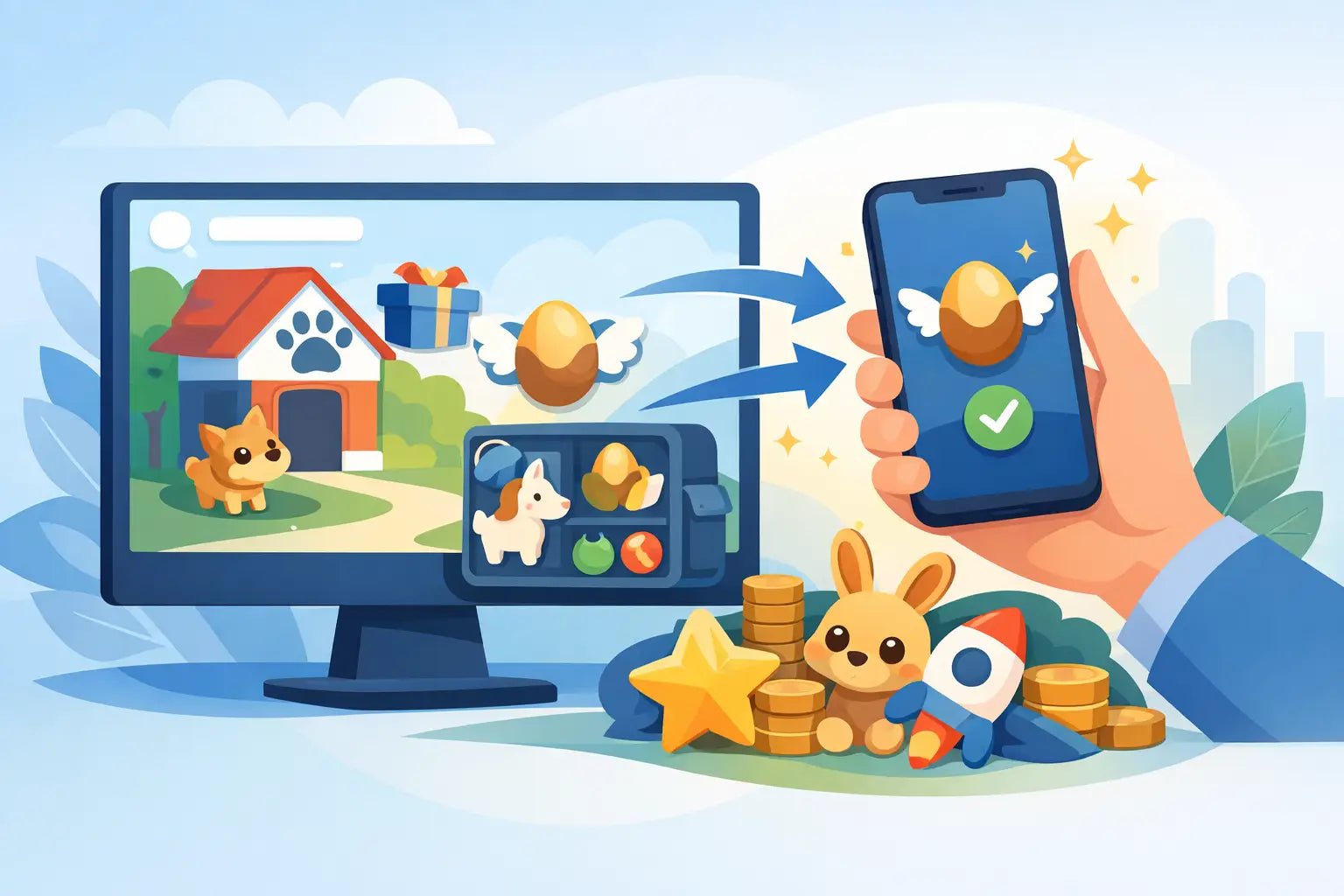
If you just got a pet, toy, vehicle, or other reward and now you’re stuck wondering how to redeem adopt me items, the good news is this part is usually quick. The only thing that slows players down is not knowing whether the item comes through a code, a trade, or an in-game claim method. Once you know which type you’re dealing with, the process gets a lot easier.
How to redeem Adopt Me items without confusion
Adopt Me does not handle every item the same way. That’s where most mix-ups happen. Some players expect a code box. Others wait for something to appear automatically in their backpack. In reality, most Adopt Me item delivery happens through direct in-game trading rather than a traditional redemption screen.
That means the first step is figuring out what kind of item source you have. If your item came from an official game event or a toy with a promo insert, there may be a code redemption method attached to it. If it came from a marketplace seller, giveaway host, or delivery service, it will often be transferred to your account through a live trade inside Adopt Me.
This matters because the wrong expectation leads to panic. Players think the item is missing when it actually just hasn’t been traded over yet, or they search the map for a claim button that doesn’t exist.
If your Adopt Me item comes from a trade
This is the most common situation for pets, rare toys, strollers, vehicles, gifts, and older collectibles. In that case, redeeming the item really means receiving it safely through the Adopt Me trade system.
Start by joining Adopt Me on the correct Roblox account. Double-check the username before you do anything else. If you’re receiving an item from a seller or delivery agent, make sure you share only your Roblox username, never your password, email login, or verification codes. A legit delivery only needs your username so they can find you in-game.
Once you’re in the server, add or locate the person delivering your item. They’ll send a trade request, or you may need to send one to them depending on the instructions you were given. Open the trade window and look closely at what’s being added. Don’t rush because the excitement of getting a rare pet or high-demand item can make people click too fast.
Check the item name, rarity, neon status, ride or fly status, and quantity if you’re getting more than one thing. Then confirm the trade only when everything matches what you expected. Adopt Me includes a confirmation flow for a reason. Use it.
After the trade is complete, open your backpack and look in the correct category. Pets will show under pets, vehicles under vehicles, toys under toys, and so on. If you have a crowded inventory, use the search bar instead of scrolling forever.
How to redeem Adopt Me items from a code
Code-based redemption is less common in Adopt Me than trade delivery, but some players still ask about it because they’ve redeemed promo codes in other Roblox games. If you have a code tied to an official item or event, follow the exact instructions that came with that product. Not every code is entered inside the game itself.
The key thing here is not to guess. If there is an official redemption page or a specific claim process, use only that method. Don’t enter a code on random third-party sites promising bonus pets or free legendary items. That’s one of the fastest ways to lose an account or get pulled into a scam.
If the code is valid and officially supported, the item usually appears in your inventory after the redemption is processed. If it doesn’t show up right away, give it a minute, then rejoin the game and check your backpack again.
Where players usually go wrong
The biggest mistake is assuming every item has a redeem button somewhere in Adopt Me. It doesn’t. The second biggest mistake is trading too quickly and accepting the wrong item because the icon looked similar. The third is trusting anyone who asks for account details beyond your username.
For younger players and parents helping with a purchase, this part matters most. A safe item transfer should never require you to hand over your password. If someone asks for login access to “put the item on your account,” that’s a red flag.
What to do if your item is not showing up
Sometimes the trade finished and you still can’t find the item. Usually, the fix is simple. First, check the right inventory category. A lot of players think an item is missing when it landed under gifts, pet wear, or strollers instead of toys or pets.
Next, leave the game and rejoin. Inventory refresh delays do happen. Roblox and in-game inventories are not always instant on every device or server. If you’re on mobile, closing and reopening the app can help too.
After that, confirm the trade actually completed. If the final confirmation screen was never accepted by both sides, the item was not transferred. Look at any screenshots, trade logs, or order details you have.
If you bought the item through a trusted marketplace with support, contact support with your order number and Roblox username. Keep your message clear. Say what item you expected, whether the trade happened, and what you already checked. That saves time and gets you help faster.
How to redeem Adopt Me items safely
Fast is great, but safe matters more. Adopt Me is full of legit trading, but it’s also full of fake middlemen, clone usernames, and pressure tactics. If someone tells you to hurry, skip checking the item, or move the conversation off-platform for weird verification steps, slow down.
A safe redemption process should feel simple. You join the game, meet the correct account, review the trade, and receive the item. That’s it. No password sharing. No downloading anything. No “trust trade” first. No need to send your own pet as insurance unless you are knowingly doing a separate trade deal.
This is why a lot of players prefer a store that focuses on instant delivery and clear instructions. If the process is clean from the start, there’s less room for confusion and way less risk.
Quick safety checks before you accept
Before you confirm any trade, make sure the username matches, the item matches, and the status matches. A regular pet is not the same as a neon. A ride pet is not the same as a fly ride pet. Small differences matter a lot in Adopt Me value.
Also make sure you are on your main account if that’s where you want the item. It sounds obvious, but players using alt accounts for trading sometimes receive the item on the wrong profile and think it disappeared.
Why some Adopt Me items can’t be redeemed the same way
Older event items, retired pets, and rare collectibles usually move through player-to-player trading because they are no longer available from the original source. That’s normal. There may be no official game redemption path anymore.
On the other hand, newer promotional items may have a time-based claim system or event mechanic. So if you’re searching how to redeem adopt me items, the real answer depends on where the item came from and whether it’s still part of an active promotion.
That’s the trade-off. Trading is flexible and fast for rare items, but you need to verify every detail. Official redemption is more straightforward when it exists, but it’s not available for everything.
A smoother way to get your item
If you’re buying instead of grinding for hours, the best experience is one where the delivery method is explained before checkout. That means you know whether to expect a trade, a code, or a claim instruction, and you know how long it should take.
BuyBlox, for example, leans hard into instant delivery, clear steps, and no password sharing, which is exactly what newer buyers and cautious parents want to see. That kind of setup removes the guessing game and helps you get from checkout to in-game item with less waiting and less stress.
When everything is working right, redeeming Adopt Me items should feel easy. You should know what method you’re using, what account you’re using, and what item you’re receiving before you ever hit confirm. That’s how you keep the process fast, safe, and actually worth the hype.
If you’re ever unsure, pause for an extra minute and verify the details. In Adopt Me, one careful click beats trying to fix a bad trade later.
How to Buy MM2 Godlies Safely
Best MM2 Value Bundles Worth Buying