
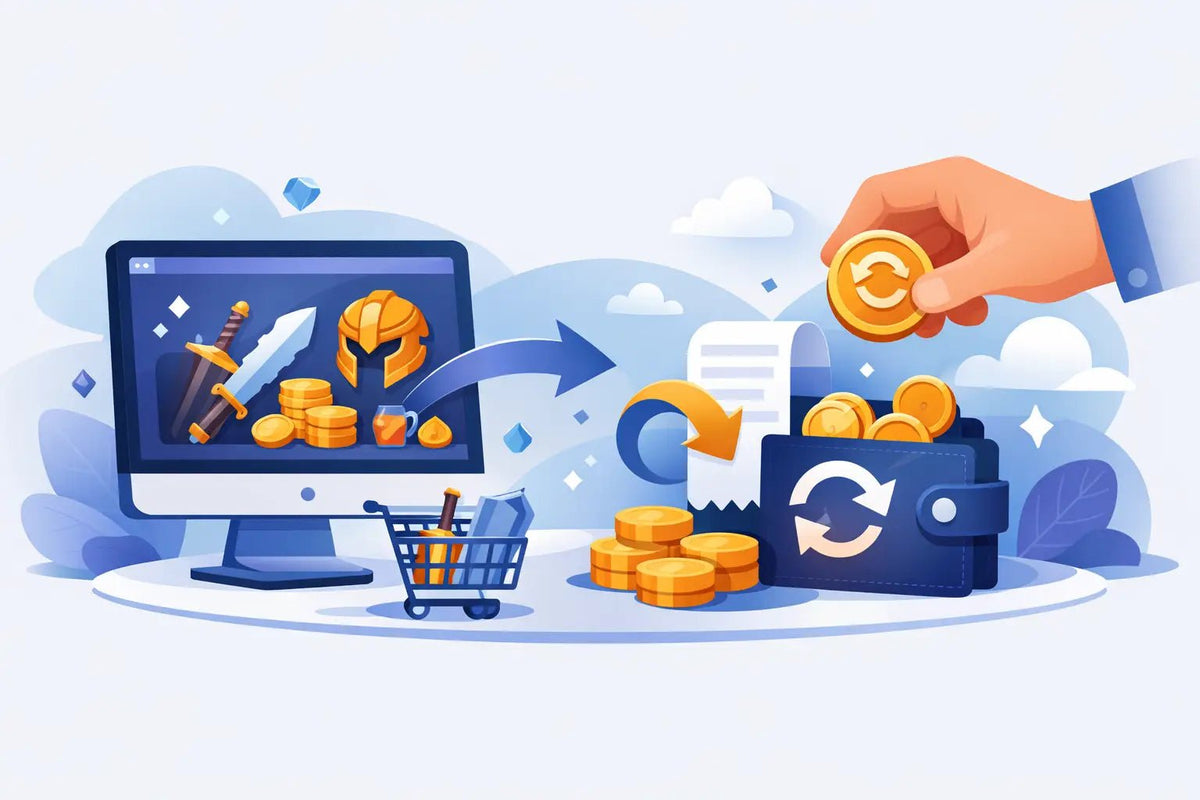
Your new pet, skin, currency, or collectible should arrive fast - not turn into a support headache. Virtual item refunds can feel confusing because digital orders move differently than a shirt or controller in the mail. Once an item is delivered in-game, it may be used, traded, equipped, or transferred right away. That changes what a store can reasonably refund.
The good news: a clear issue does not have to mean a long, stressful process. If an order was not delivered, arrived incorrectly, or ran into a technical problem, the fastest path is usually simple: keep your order details, check the delivery instructions, and contact support with the facts.
Why Digital Item Refunds Work Differently
Physical products can be returned in unopened packaging. Virtual items often cannot. A rare Adopt Me pet, MM2 weapon, or game currency may be claimed and used within minutes. If a seller refunded every completed digital delivery automatically, the same item could stay in the player's inventory while the payment is reversed.
That is why most gaming marketplaces review refunds based on delivery status and the reason for the request. It is not about making customers jump through hoops. It is about protecting buyers, sellers, and game economies from fraud while still fixing real mistakes.
Before assuming an order is refundable, look at what actually happened. Was the item never delivered? Was it a different item from the one shown on your receipt? Did you leave the server before meeting the delivery account? Or was the item successfully transferred, but you changed your mind afterward? Those situations are not the same, and they should not be handled the same way.
Virtual Item Refunds: Start With Delivery Status
The delivery status is the first thing support will check. Be specific when you explain the issue. “My order did not work” is harder to investigate than “I waited in the correct game server for 15 minutes, followed the delivery steps, and did not receive the listed item.”
Your item was not delivered
A missing delivery is usually the clearest reason to contact support. First, check your order confirmation and make sure you entered the right username. Then review the delivery instructions for that game. Some items require you to join a specific server, accept a trade, stay online, or have enough inventory space.
If you have followed the steps and still have not received anything, contact the store promptly. Include your order number, game username, the item purchased, the time you tried to receive it, and screenshots or video if available. This helps support trace the transaction instead of asking you for details one message at a time.
Sometimes the fix is a redelivery rather than a refund. That can be the quickest option when the order is valid but a server disconnect, privacy setting, or missed trade interrupted the handoff.
You received the wrong item
If the delivered item does not match your order, do not trade, use, rename, or move it. Take a screenshot showing the item in your inventory and compare it with your receipt. The sooner you report the mismatch, the easier it is for support to verify and correct it.
A wrong-item report may lead to an exchange, a replacement delivery, store credit, or a refund depending on the marketplace policy and whether the item can be recovered. The right outcome depends on the game and the item, but keeping the item untouched gives you the best chance of a fast resolution.
The item was delivered successfully
A completed delivery is different from a failed delivery. If you received exactly what you ordered and then decide you do not want it, a refund may not be available. Digital items can lose their recoverable value the moment they are transferred, especially in games with active trading.
This is why it pays to slow down for 30 seconds before checkout. Confirm the game, item name, quantity, variant, and your username. That tiny check can save you from buying a similar-looking item for the wrong game or ordering more currency than you intended.
What to Have Ready Before You Contact Support
Support can move faster when the important details are already in your message. Keep your order confirmation and payment receipt available. You should also have your exact in-game username, the item name, the game title, and a short explanation of what happened.
If the problem involves delivery, screenshots are useful. Capture the order page, your inventory when relevant, and any error message you saw. Do not share passwords, account recovery codes, or payment card details. A legitimate marketplace should never need your game password to deliver an item or investigate a refund request.
For the best chance of a quick fix, report issues as soon as you notice them. Waiting days before mentioning a missing item can make it harder to review server logs, trade records, or delivery attempts.
How to Ask for Help Without Delays
Keep your message calm and direct. Support teams deal with lots of orders, and a clean description makes your request easier to solve. State the order number first, then explain whether the item was missing, incorrect, duplicated, or otherwise affected by a delivery issue.
Avoid filing a payment dispute before contacting the marketplace unless you believe there is unauthorized activity or you cannot get a response through normal support channels. Chargebacks can freeze an investigation and make it harder to offer a simple redelivery or correction. If the purchase was made without your permission, contact the payment provider and the store right away.
Be careful with edits after you submit a request. Changing usernames, trading an item away, or deleting screenshots can create confusion. Leave the order and any related item alone until support tells you what to do next.
Parents: A Quick Check Before Buying
For parents approving a game-item purchase, the safest habit is reviewing the order before payment. Check the game name, the item, the total cost, and the username receiving the delivery. Make sure your player understands whether the item is cosmetic, usable, tradable, or limited.
It also helps to set expectations early. Buying a virtual item is not the same as ordering a physical toy with a return label. If it arrives correctly and is used in-game, it may not be eligible for a change-of-mind refund. But if the order is missing or wrong, a trustworthy seller should offer a clear way to get help.
Buy With Clear Delivery Rules
Low prices and instant delivery are great, but clear instructions and real support matter just as much. Before placing an order, look for a marketplace that explains how delivery works, does not ask for sensitive account credentials, and makes it easy to find order help.
BuyBlox is built around quick item delivery without password sharing, which helps keep the process simple for first-time buyers and experienced traders alike. Still, every player should read the item details carefully and confirm their game username before placing an order.
A refund request is easier when you treat your order like a trade: know what you are getting, save the proof, and speak up quickly if something is off. That way, you can spend less time chasing support messages and more time enjoying the item you bought.
Are Virtual Item Discounts Legit? Smart Buyer Check
Why Is My Item Delivery Delayed? Quick Fixes