
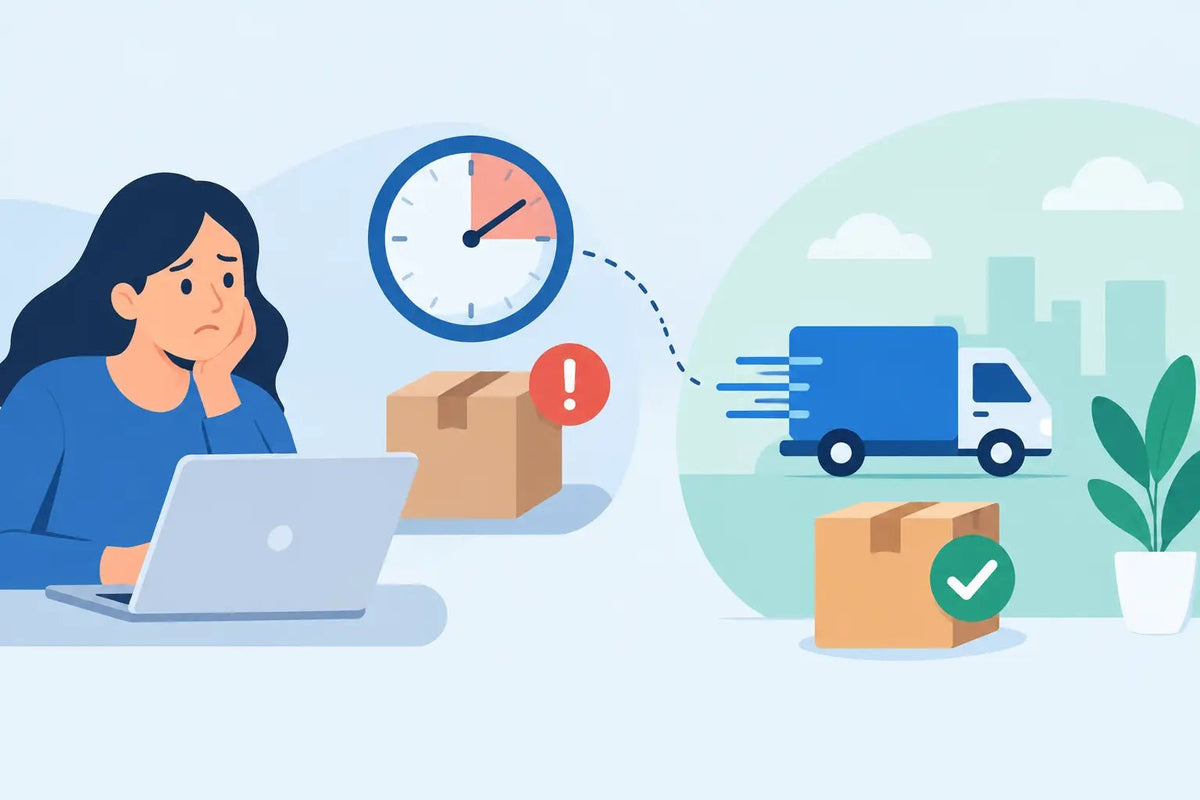
You bought the item, your payment went through, and now you are refreshing your screen because you want to jump back into the game. So, why are item orders delayed when most virtual-item deliveries are meant to be fast? Usually, a delay does not mean your order is gone. It means one part of the delivery process needs a little more time, a quick check, or a small fix from you.
At BuyBlox, most eligible orders are handled automatically and delivered in under five minutes. But games, payment systems, stock levels, and account settings do not always move at the exact same speed. Here is what can happen, what you can check, and when it is time to contact support.
Why Are Item Orders Delayed?
A virtual item order has a few moving parts. Your payment has to be approved, the item has to be available, and the game delivery process has to connect with the details you provided. If any one of those steps pauses, your order can take longer than expected.
The good news: a short delay is often normal, especially during a big game update, a limited-item drop, a weekend rush, or a high-traffic sale. Automated systems process many orders at once, and a queue can form when lots of players buy the same hot item at the same time.
That said, not every delay has the same cause. Checking the right thing first can save you from waiting around or submitting duplicate orders.
Your payment is still being reviewed
Sometimes a bank, card provider, or payment platform needs extra time to confirm a purchase. This is especially common with a first-time order, a larger-than-usual purchase, a prepaid card, or a payment that does not match the billing details on file.
A payment review is there to protect you from unauthorized charges. It can feel annoying when you are ready to play, but it is better than letting a suspicious transaction go through unchecked. Avoid placing the same order again while the first payment is pending. Duplicate purchases can create extra confusion and may slow down the resolution.
Check your email and the order confirmation page for a payment status. If your bank declined the charge, the order will not move to delivery until you use a successful payment method.
The item is popular or temporarily low in stock
Rare pets, limited skins, high-demand currency packs, and event collectibles can sell fast. A store may show an item as available while the last units are being assigned to orders placed seconds earlier. In that case, the system may need time to confirm the remaining stock or wait for inventory to be replenished.
This is more likely when a game has a major update or a new trend is blowing up across servers. The trade-off for buying hard-to-find items at strong prices is that supply can change quickly. A short stock-related delay is not automatically a cancellation, but it may require a restock or an update from the support team.
The delivery details need attention
Many game-item deliveries rely on information such as a Roblox username, a trade link, a server connection, a mailbox setting, or a specific in-game delivery method. One missing letter in a username can stop an otherwise ready order.
Before you worry, compare the account details in your order with the exact details on your game profile. Do not use a display name if the delivery requires a username. Display names can change and may be shared by multiple players, while usernames identify the correct account.
Also make sure your account can receive the item. Depending on the game, that may mean enabling trades, joining the correct server, having enough inventory space, completing a tutorial, or being online when a manual handoff is needed.
The game itself is having issues
Even the fastest marketplace cannot force a game server to cooperate. Roblox outages, maintenance windows, private-server problems, broken trading systems, and in-game updates can all interrupt delivery.
If a game has just released a patch, developers may temporarily change item values, trade rules, inventory behavior, or server access. Delivery teams may pause until they can confirm the process works correctly. That protects your item from being lost in a bugged trade or sent through an unreliable route.
You can usually tell this is the issue if other players are reporting server trouble or if the game will not let you trade anyone. In that situation, keep your order details ready and wait for the game services to stabilize rather than changing account settings repeatedly.
Quick Checks Before You Contact Support
Start with the order confirmation. Confirm that the payment says completed, not pending, canceled, or declined. Then check the delivery instructions attached to the order and make sure you completed every required step.
Next, open the game and verify that you are using the right account. Check whether trades are enabled, whether your inventory has room, and whether you need to accept a request, join a server, or claim an item from an in-game mailbox. A delivery can be complete while the item is waiting for the final action on your side.
If the stated delivery window has not passed, give the automated system a moment. Refreshing constantly will not speed up a queue, and purchasing the item again can create a duplicate order. Keep your confirmation email or order number handy instead.
When a Delay Needs Support
Contact support when the expected delivery time has passed, your payment is complete, and you have verified your delivery details. Send your order number, the username used for delivery, and a clear description of what you see. If there is an error message in the game, include the exact wording or a screenshot if the support channel allows it.
Clear details help the team find your order faster. Saying that an item did not arrive is a good start, but saying that your completed order for a specific item has been waiting for a certain amount of time and that your trade settings are enabled gives support a much better place to begin.
Do not share your password, two-factor authentication codes, recovery codes, or full payment information with anyone. Legitimate order support should never need your account password to deliver an item. Safe delivery should use the game’s normal trade, gifting, or in-game systems, not your login credentials.
How to Avoid Delays on Your Next Order
The easiest way to get fast delivery is to prepare your account before checkout. Use the correct username, read the delivery instructions, and make sure your privacy or trade settings allow the required transfer. If you are buying for a younger player, it helps for a parent to confirm the account details before the order is placed.
Try not to order in the middle of a game outage or immediately after a huge update if you need the item at a specific time. Buying during peak hype can still be worth it for a rare item, but it may come with a longer queue. If speed matters most, choose a time when game servers and payment services are running normally.
Finally, use an email address you can access. Order updates, payment notices, and delivery instructions are much easier to catch when they are not buried in an old inbox.
A delayed order is frustrating when you are ready to show off a new pet, upgrade your loadout, or finish a collection. But in most cases, the fix is simple: verify your details, give the system the stated window, and reach out with your order information if that window has passed. That keeps the process safe, clear, and focused on getting you back in-game.
How to Use Loyalty Points for More Game Items
Best Escape Tsunami Survival Gear to Buy