
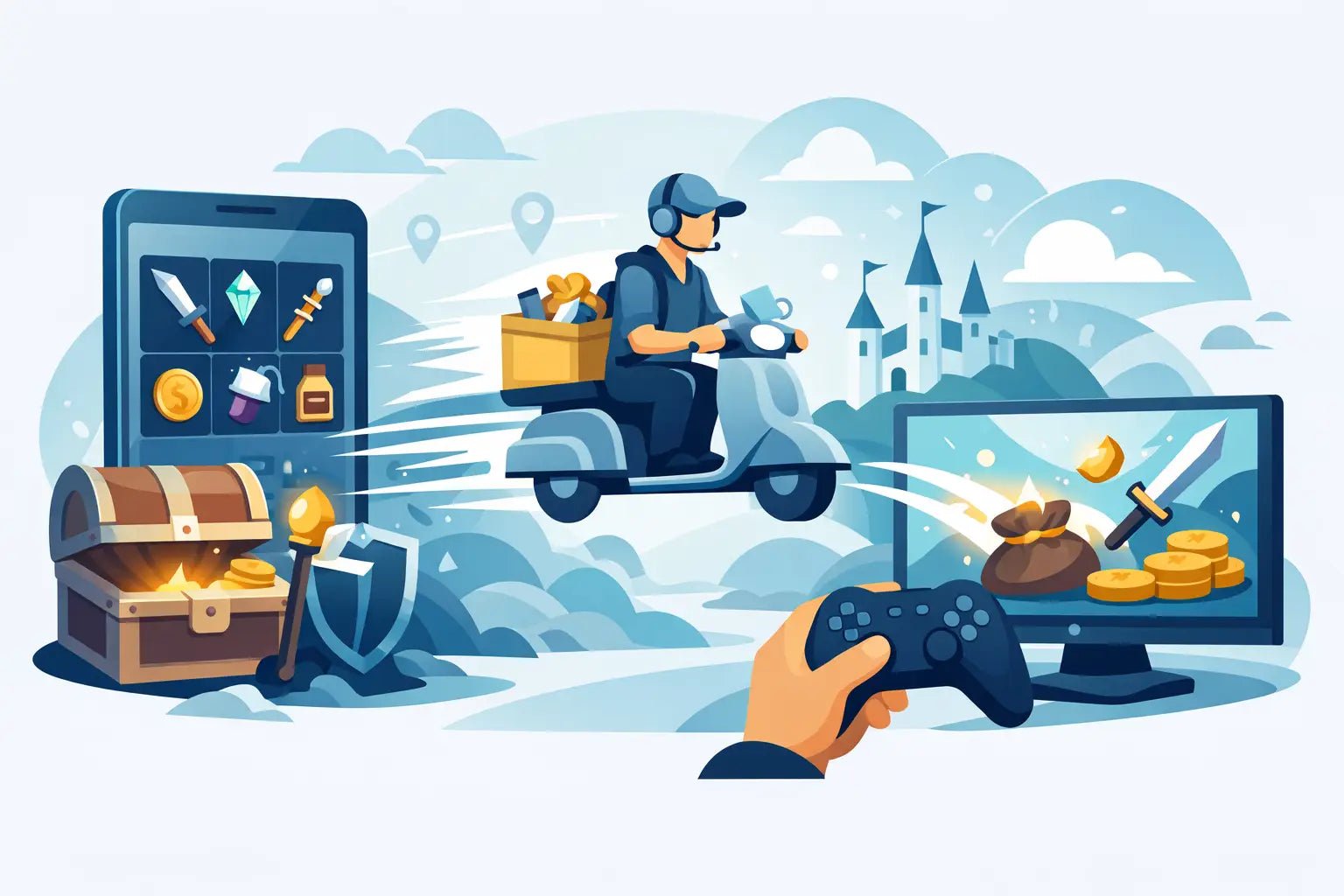
That moment after you buy an item is the part everyone cares about most - how fast it shows up, how it gets to your account, and whether the process is actually safe. If you have ever wondered how item delivery works on a gaming marketplace, the short version is simple: you place the order, the system checks your payment, matches your purchase to available stock, and sends the item through the in-game delivery method for that title.
The longer answer matters, especially if you are buying for the first time or if a parent wants to know what is happening behind the screen. Virtual item delivery is not magic, but it should feel quick and easy when the store has the right systems in place. The best setups are built to move fast without asking for risky information like your account password.
How item delivery works from checkout to handoff
When you choose an item, currency pack, pet, skin, or collectible, you are usually buying something that already exists in a seller-controlled inventory. That matters because instant delivery only works when stock is ready before you pay. If inventory is live and the system is automated, your order can move almost immediately after checkout.
The first step is payment confirmation. The store needs to verify that the transaction went through and that the order details match what was selected. This usually takes seconds, although payment method, fraud checks, or unusual account activity can slow it down a little. Fast delivery depends on speed here, but safety checks are part of the reason good stores can protect both buyers and themselves.
After payment clears, the order is sent to the delivery system. In some games, that means preparing a trade. In others, it could mean sending an invite, matching a username, or using a specific in-game transfer flow. Different games have different rules, so delivery is never one-size-fits-all. A pet in one title may be handed over through a direct trade window, while currency in another game might require a different account interaction.
Then comes the actual handoff. This is the part buyers notice most because it is where the purchased item lands in the game. If everything lines up - stock is available, your username is correct, and you are online or ready to receive - delivery can happen in minutes. That is why many marketplaces promise very fast fulfillment for eligible orders.
Why some orders arrive instantly and others do not
Most players want instant delivery, and that is usually possible for popular products with stable stock. But there are a few reasons some orders take longer.
The biggest one is game-specific trade limits. Some games have cooldowns, friendship requirements, level requirements, or anti-spam restrictions that affect how fast an item can be transferred. A marketplace can be fast, but it still has to work inside the game's rules.
Another common issue is buyer info. If you enter the wrong username, have privacy settings that block trades, or are offline when a live handoff is needed, the process may pause. That does not always mean something is wrong with the order. Sometimes it just means the system or support team needs the right details before finishing delivery.
Stock can also matter. A product might be listed, but if demand spikes hard, the exact item or amount you chose may need a short restock window. This is more likely with rare items, limited collectibles, or game economies that change fast. Low prices are great, but real availability still decides delivery speed.
Safety is a big part of how item delivery works
For younger players and parents, this is usually the real question. Not just how the item gets delivered, but whether the process is safe.
A safe delivery system should never require your game password. That is one of the clearest trust signals in this space. If a store needs your login credentials to deliver a digital item, that should raise concern right away. Legit delivery is usually handled through in-game trading or other approved transfer methods, not direct account access.
Payment security matters too, but so does delivery design. A good marketplace keeps the process narrow and clear. You provide the info needed to complete the order, usually a username or trade-ready details, and that is it. The less unnecessary information involved, the lower the risk.
This is also why instructions matter. A lot of delivery problems come from confusion, not fraud. If the store explains exactly what to do after checkout, where to wait, and what settings need to be enabled, buyers are much more likely to get their items fast without stress.
What buyers need to do before delivery
The fastest orders usually come from buyers who are ready before they click pay. That starts with entering the correct username and checking that it matches the game account meant to receive the item.
It also helps to know the game's trade rules ahead of time. Some titles require you to unlock trading first. Others need you to add someone, join the same server, or stay online for a handoff. If you skip those basics, even a fast marketplace cannot force the game to complete the transfer.
Parents buying for kids should double-check one more thing: make sure the child knows which account is receiving the item. A lot of mistakes happen when players use alternate accounts, old usernames, or shared devices. Fixing a typo is possible sometimes, but it can delay an otherwise quick order.
What happens if there is a delay
A short delay does not always mean the order failed. It usually means one part of the process needs attention.
Sometimes payment review takes longer than expected. Sometimes the delivery bot or trade agent is waiting for the buyer to come online. Sometimes a game itself is having issues, especially after updates, events, or server problems. Virtual item delivery depends on both the store and the game being functional at the same time.
This is where support matters. In a category where buyers are nervous about scams, real-time help is not just nice to have. It builds trust. If an order runs late, buyers want clear updates, not silence. A strong marketplace will usually have tutorials, status messages, or support that can check the order and explain the next step.
How item delivery works for first-time buyers
If you have never bought a virtual item before, the process can feel more complicated than it really is. In practice, it is usually just a few steps: pick the item, pay, follow the delivery instructions, and accept the transfer in-game.
The part that feels unfamiliar is the handoff. Physical products arrive at a house. Digital game items arrive through the game's own systems. That means the delivery moment may look like a trade request, a private server join, or another game-specific transfer method. Once you understand that, the whole thing makes a lot more sense.
For first-time buyers, the best approach is to stay available after checkout and read the instructions carefully. If the listing says most orders arrive in under five minutes, that often assumes you are ready to receive right away. Speed is a two-way process.
Why fast delivery and trust go together
Quick delivery is exciting, but it is not just about hype. It is also one of the biggest trust signals in the market. Stores that can consistently deliver fast usually have tighter inventory control, better automation, and clearer workflows.
That said, speed should not come at the cost of safety. The best experience is fast, affordable, and easy to understand. That is the balance players want, and it is what parents want too. A platform like BuyBlox is built around that idea - instant fulfillment where possible, simple steps, and no password sharing.
If you are buying virtual items, the smartest move is to treat delivery like part of the product, not an afterthought. Check the instructions, make sure your account can receive trades, and be ready when the order goes through. When the system is well built, item delivery feels exactly how it should - quick, safe, and stress-free.
Is Buying Game Items Safe? What to Know
How to Claim Purchased Pets Fast