
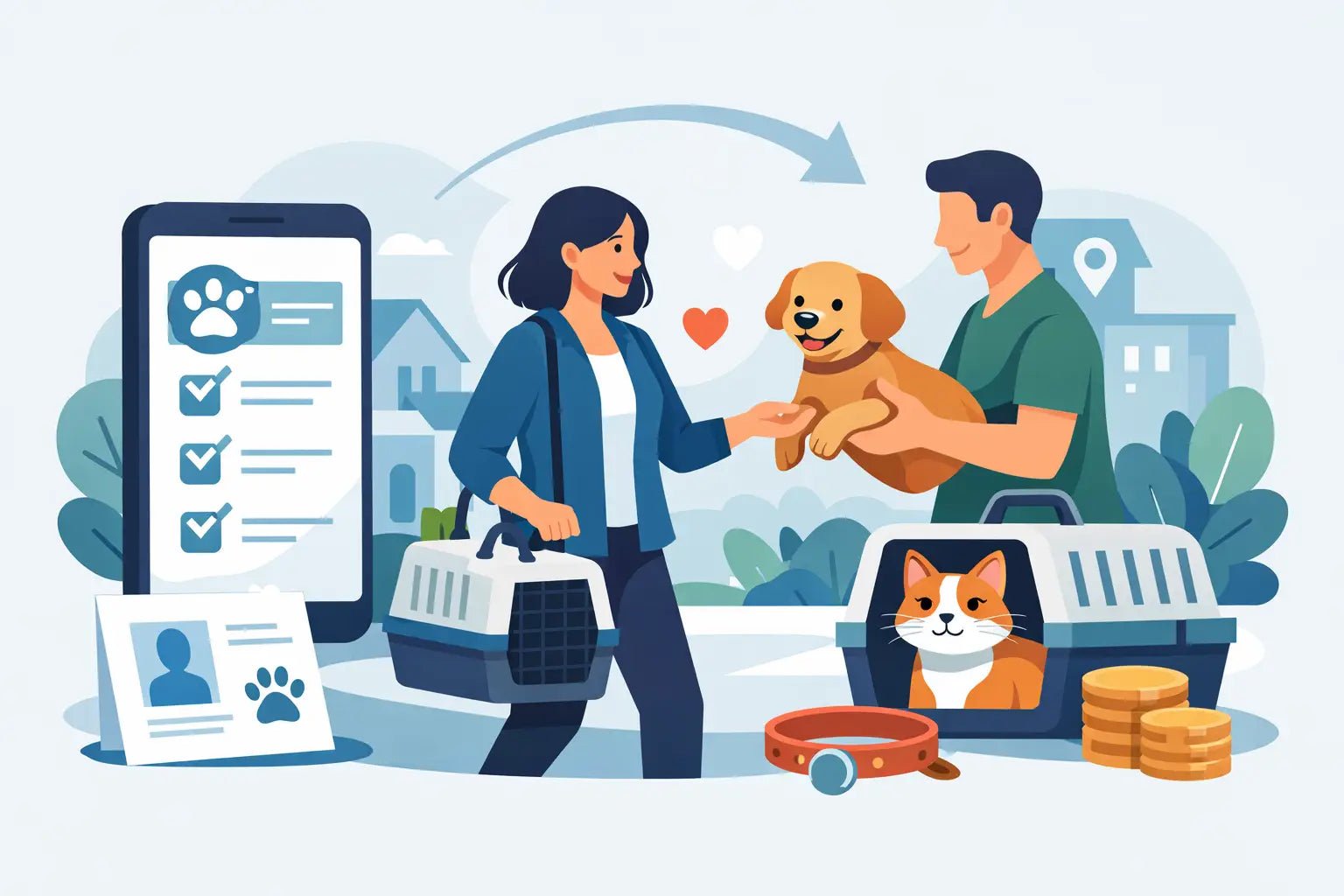
You finished checkout, your order says delivered, and now you’re staring at the game asking the only thing that matters - where’s my pet? If you’re trying to figure out how to claim purchased pets, the good news is that the process is usually quick. The not-so-fun part is that every game handles delivery a little differently, so knowing what to look for can save you a lot of panic.
Most of the time, claiming a pet comes down to one of three delivery methods. It may arrive through an in-game trade, a mailbox or gift system, or a claimed inventory section tied to your order. If you know which method your game uses, the whole thing gets easier fast.
How to claim purchased pets without guesswork
The first thing to check is your order confirmation. That’s where you’ll usually see the delivery instructions, your in-game name requirement, and whether the pet is sent manually or through an automated system. A lot of players skip this and jump straight into the game, then miss the exact step they needed.
If the pet is being delivered by trade, stay logged into the correct account and join the right game server. Make sure your trades are turned on. If your privacy settings block trades from everyone except friends, your pet can’t be delivered until that setting changes. This is one of the most common reasons for delays, especially for younger players whose accounts have tighter restrictions.
If the pet is sent through a mailbox, gift box, or claim menu, check every obvious place first. That means your mailbox, pending gifts, notifications, inventory, and any NPC or menu that says claim, receive, or delivery. Some games don’t place the pet directly in your active inventory until you accept it from a separate screen.
If the site or seller asked for your username, double-check that you entered it correctly. One wrong letter can send the order into limbo. In some cases, the pet is ready to go, but the delivery system can’t match the purchase to the right player.
The 5 steps that solve most claim issues
1. Confirm you’re on the right account
This sounds basic, but it happens a lot. Players buy on one device, then log into a different Roblox account on another. Before doing anything else, make sure the username on your receipt matches the account currently in-game.
2. Read the delivery instructions again
Different games use different systems. Some pets are traded directly. Others are dropped into a gift inbox. Others need you to join a certain area, stand still, or accept an incoming request. If the instructions mention a wait time, respect that before assuming something broke.
3. Turn on the settings that allow delivery
For trade-based delivery, your account settings matter. If you need to accept a trade, keep the game open and watch for pop-ups. If your DMs, gifts, or trade requests are blocked, the pet may not be claimable until that’s fixed.
4. Refresh the game properly
Leave and rejoin once. Don’t keep hopping in and out every few seconds. Sometimes an item appears after the server refreshes your inventory or reloads your mailbox. A clean rejoin is often enough.
5. Check your order status before contacting support
If your order says pending, it may still be processing. If it says delivered, screenshot that status and then check the game one more time. Having that info ready makes support much faster if you need help.
What claiming purchased pets looks like in different games
There isn’t one universal answer for how to claim purchased pets because game systems aren’t built the same way. In pet-heavy trading games, delivery often happens through player-to-player trade. That means timing matters. You may need to be online, available, and able to accept the trade request quickly.
In collection-based games, pets are more likely to be sent to a gift box, mail system, or inventory sync. These are easier for automated fulfillment, but they can still feel confusing if the game doesn’t make the claim button obvious.
Some games also have item cooldowns, server delays, or anti-spam systems that slow down visible delivery. So if your pet doesn’t appear instantly, that does not always mean the order failed. Sometimes it means the game needs a minute to catch up.
Why your pet might not show up right away
The biggest reason is simple: the delivery method and your account settings don’t match. For example, if a seller is trying to send your pet through trade but you’re offline or trade-locked, they can’t complete the handoff.
Another common issue is entering the wrong username, display name, or server info during checkout. Usernames need to be exact. Display names can look right while still being different from the actual account name used for delivery.
There’s also the possibility of game-side lag. If the game is under heavy load, inventory updates may take longer than expected. That’s annoying, but it’s normal in popular games, especially during weekends, updates, or events.
And yes, sometimes buyers expect a pet to land in the backpack instantly when the game actually requires manual claiming from a mailbox or trade screen. The pet may already be there. You just haven’t accepted it yet.
How to claim purchased pets safely
Fast delivery matters, but safety matters more. You should never need to give out your password to claim a purchased pet. A legit process should rely on your username, in-game trade, or a built-in delivery mechanic instead of asking for sensitive account access.
That matters for players and parents. If a seller asks for login credentials, email verification codes, or anything beyond the info required for in-game delivery, stop right there. Claiming a pet should be simple and low-risk.
It also helps to keep proof of purchase until the pet is in your inventory. Save the receipt, order number, and any status updates. If there’s a delay, you’ll have exactly what support needs to check the order fast.
A marketplace like BuyBlox leans hard into this for a reason. Players want instant delivery, but they also want to know the process is legit, clear, and built to work without weird steps.
What to do if the order says delivered but you still can’t claim it
Start by checking whether the item was delivered to a place you haven’t looked yet. Open your mailbox. Open pending trades. Rejoin the game. Search your inventory by rarity or pet name if the game allows it.
Next, think about timing. Were you offline during the delivery attempt? Did you miss a trade request? Did your settings block gifts or trades? If yes, the order may need to be retried rather than refunded or replaced.
If everything looks correct and the pet still isn’t there, contact support with clean details. Give them your order number, exact username, the game name, and a short explanation of what you already checked. This cuts the back-and-forth and gets you help faster.
The best support messages are short and specific. “My pet didn’t arrive” is less helpful than “Order marked delivered, correct username entered, trade requests enabled, mailbox checked, pet not in inventory.” That kind of message gets solved way quicker.
For parents: what a normal pet claim process should look like
If you’re a parent helping your child with a purchase, the safest version of this process is easy to spot. The store should only need the player’s username or clear in-game delivery info. It should not ask for the account password. It should also explain how the pet will arrive and what the expected wait time is.
A normal process may involve your child joining a game server, accepting a trade, or opening a gift inbox. That’s standard. What should raise concern is any request for login credentials, off-platform account access, or vague instructions that never explain where the item actually appears.
It’s also smart to stay nearby for the first purchase. Once you’ve seen how the claiming process works, future orders usually feel much easier.
The fastest way to avoid claim problems next time
Before you buy, know the delivery method. During checkout, enter the correct username carefully. After purchase, stay available in-game if the pet is coming by trade. And before you worry, check the trade window, gift inbox, and inventory claim areas once more.
That’s really the whole play. Most issues with how to claim purchased pets are not major failures. They’re small mix-ups - wrong settings, wrong account, missed instructions, or a mailbox nobody thought to open.
If you keep your info accurate and follow the delivery steps, claiming your pet is usually quick, safe, and way easier than grinding for it the hard way. And when something does go sideways, a calm double-check beats a panic refresh every time.
How Item Delivery Works for Fast Game Orders
How to Receive Roblox Marketplace Items